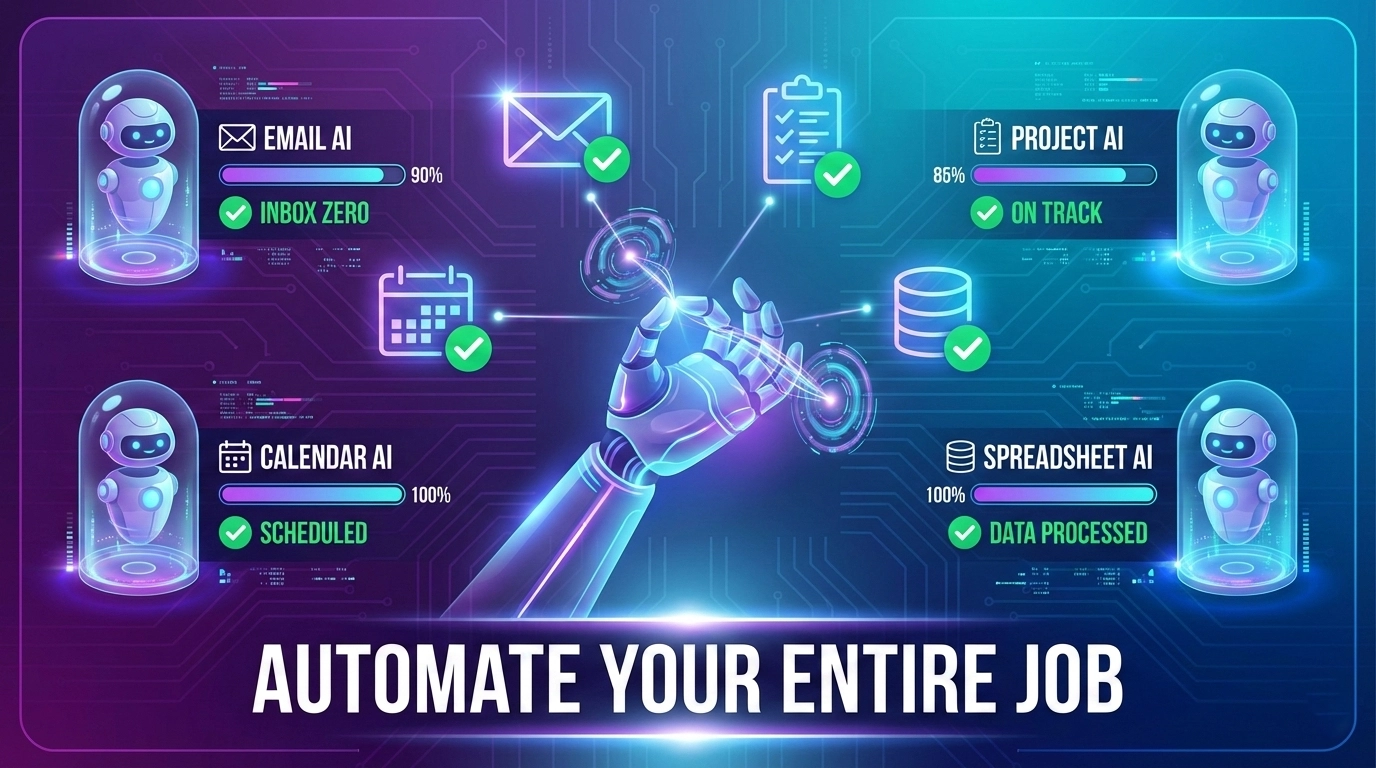
Agentic AI isn't science fiction anymore. It's sitting in your browser right now, waiting to handle the work you hate doing. But most people never use it because they're stuck thinking AI is only good for writing essays or generating pretty pictures.
The reality? Agentic AI can automate entire workflows—the repetitive, soul-crushing tasks that steal 10-20 hours from your week. This guide shows you exactly how, whether you're answering customer emails, processing spreadsheets, creating content, or managing data. No coding required. No expensive software needed. Just your existing AI tools configured smarter.
What Is Agentic AI (And Why It Actually Matters)
Agentic AI sounds fancy. It's actually simple: AI that completes multi-step tasks without you babysitting every prompt[1][2].
Think about the difference:
- Regular AI: You ask a question → It answers → You ask another question
- Agentic AI: You set a goal → It figures out steps → It completes the entire task → It reports back
Example: Instead of manually asking ChatGPT "summarize this email, extract the action items, send a response, and update my calendar," agentic AI does all four steps without you touching the keyboard[2][3].
The magic is in task decomposition and tool integration[2][4]. Agentic AI breaks complex work into smaller chunks, uses different tools for each (email APIs, spreadsheet automation, data scraping), and chains them together into one seamless workflow[1][3][4].
Why this matters for your job: You stop being the middleman. You're not copy-pasting between apps. You're not manually checking every step. You set the goal once, and the AI handles the execution, error-checking, and refinement[2][4].
The Jobs Agentic AI Actually Automates (Real Examples)
Here's what disappears from your to-do list when you set up agentic workflows:
Customer Service & Support
Old way: Read email → draft response → check tone → send → log in system. 5 minutes per email × 20 emails = 100 minutes daily[5][6].
Agentic AI way: AI monitors inbox → reads email + context → composes response matching your tone → logs ticket → sends message. 10 seconds per email × 20 emails = minimal supervision[5][6].
Tools involved: Email APIs (Gmail, Outlook), CRM integration (Salesforce, HubSpot), ChatGPT API[5][6]. One workflow handles all three automatically.
Real time saved: 90 minutes daily = 6+ hours weekly[6].
Data Entry & Admin Tasks
Old way: Copy data from email → paste into spreadsheet → format → check for errors → add to database. 30 seconds × 50 entries = 25 minutes of pure busywork[7][8].
Agentic AI way: AI extracts data from emails automatically → validates format → fills spreadsheet → updates database → flags errors. Zero manual copy-paste[7][8].
Tools involved: Email parsing, Google Sheets API, database connectors, validation logic[7][8].
Real time saved: 25 minutes daily = 2 hours weekly. But more importantly: zero transcription errors[8].
Content Creation & Publishing
Old way: Research topic → write draft → edit for tone → find images → format → publish → share. 2-3 hours per article[9][10].
Agentic AI way: AI researches topic → writes draft → self-edits for voice consistency → sources images → formats for platform → publishes → posts to social media. 15 minutes review by you[9][10][11].
Tools involved: Web scraping, ChatGPT API, image generation (DALL-E, Midjourney), CMS integration, social media APIs[9][10].
Real time saved: 90% reduction. 2.5 hours → 15 minutes active work[10][11].
Meeting Scheduling & Coordination
Old way: Check calendar → email meeting options → wait for responses → manage back-and-forth → send reminders. 20-30 minutes per meeting[12][13].
Agentic AI way: AI checks both calendars → proposes 3 times → books with confirmation → sends calendar invites → auto-sends reminders. 2 minutes human input[12][13].
Tools involved: Calendar APIs (Google, Outlook), email automation, timezone handling[12][13].
Real time saved: 25 minutes daily if you schedule 1-2 meetings = 2+ hours weekly[13].
How Agentic AI Actually Works (The Simple Version)
You don't need to understand the entire architecture. But understanding the basic flow helps you set it up right:
Step 1: Trigger – Something happens (email arrives, spreadsheet updates, button pressed)[2][14].
Step 2: Perception – AI reads the input (email content, data structure, file type)[2][14].
Step 3: Planning – AI breaks the task into steps (understand → extract → transform → output)[2][14].
Step 4: Action – AI executes each step using available tools (APIs, databases, external services)[2][14].
Step 5: Verification – AI checks if output matches intent (did it answer correctly? does it match brand voice?)[2][14].
Step 6: Reporting – AI tells you what happened (sent 20 emails, processed 50 entries, published 3 articles)[2][14].
The entire flow happens in seconds to minutes, depending on complexity[2][14].
Three Agentic AI Approaches for Different Skill Levels
You don't need to pick one. Most people use all three depending on the task[15][16].
Approach 1: No-Code Automation Platforms (Best for Beginners)
Tools: Make.com, Zapier, Airtable, n8n[15][16].
How it works: You connect apps with visual blocks, no coding needed[15][16].
Example workflow:
- Gmail receives email
- Make extracts customer info
- ChatGPT API drafts response
- Response sent back to customer
- Ticket logged in Salesforce
Time to set up: 30 minutes for first workflow, 10 minutes for similar ones[16].
Cost: Free tier covers small volume. Premium: $10-50/month[15].
Best for: Customer service, data entry, scheduling, content distribution[15][16].
Approach 2: API Integration (Best for Technical People)
Tools: Python + OpenAI API, Node.js + Claude API, custom webhooks[17][18].
How it works: You write code that chains APIs together, AI completes tasks[17][18].
Example workflow:
A Python script that:
- Monitors Gmail inbox
- Sends email to Claude API
- Receives AI response
- Validates response quality
- Sends reply if approved
- Logs to database[17][18]
Time to set up: 2-4 hours for first workflow, 30 minutes for new ones[18].
Cost: Only pay for API usage. Usually $10-50/month[17].
Best for: Complex workflows, custom logic, scaling to thousands of tasks[17][18].
Approach 3: Full Agentic Frameworks (Best for Maximum Automation)
Tools: AutoGPT, LangChain, CrewAI, Multi-agent systems[19][20].
How it works: Pre-built frameworks that give AI agents "memory" and "tools" to work independently[19][20].
Example workflow:
You tell the system: "Research the top 5 competitors, analyze their pricing, create a comparison table, and email me the results." The system:
- Plans the research
- Browses web for data
- Scrapes competitor sites
- Analyzes pricing
- Creates formatted table
- Sends email[19][20]
Time to set up: 4-8 hours initial setup, 1 hour per new complex task[20].
Cost: Open-source (free) or enterprise licensing[19].
Best for: Research, competitive analysis, complex multi-step projects[19][20].
How to Actually Start (Your First Agentic Workflow)
Step 1: Pick your repetitive task – Something you do 5+ times weekly[21].
Step 2: Map the workflow – Write down exact steps (no shortcuts)[21].
Step 3: Choose your tool – Start with Make.com for no-code[21].
Step 4: Connect your apps – Authorize Gmail, Slack, Sheets, etc[21].
Step 5: Test with sample data – Make sure it works before going live[21].
Step 6: Monitor and refine – Check first 10 outputs, adjust if needed[21].
Realistic timeline: 1-2 hours to set up your first workflow. You'll save that time back within a week[21].
The Real Challenges (And How to Handle Them)
Quality Control
Problem: AI sometimes makes mistakes. You can't just let it run unsupervised[22][23].
Solution: Build in review layers. Use validation rules. Flag anything outside normal parameters[22][23].
Example: Customer service agent sends draft email to you for approval on first 50 messages, then auto-sends once you've verified the pattern[22].
Data Privacy & Security
Problem: Sending customer data to third-party APIs feels risky[24][25].
Solution: Use enterprise tools with compliance certifications (GDPR, HIPAA)[24]. Anonymize data when possible. Check tool security documentation[24][25].
Reality: Modern automation tools are more secure than manual spreadsheets shared via email[24].
Integration Nightmares
Problem: Some apps don't have good APIs or automation support[26][27].
Solution: Use middleware tools like Make, n8n, or Zapier that already integrate hundreds of apps[26]. Use webhooks for custom integrations[27].
Backup plan: Web scraping and email forwarding can handle most gaps[26].
Your Time-Saving Reality Check
Let's talk actual numbers, not fantasy.
- Customer service automation: 90-120 minutes saved daily = 7.5-10 hours weekly[6][28]
- Data entry automation: 2-3 hours saved daily = 10-15 hours weekly[8][28]
- Content creation automation: 1-2 hours saved daily = 5-10 hours weekly[10][28]
- Scheduling & coordination: 1-2 hours saved daily = 5-10 hours weekly[13][28]
Conservative estimate: 10-15 hours saved weekly with 3-4 automated workflows[28].
What that actually means: You either work less (real benefit) or handle more work without burnout[28]. For freelancers, that's $500-1,500 in reclaimed billable hours weekly[28].
Common Questions About Agentic AI
Q: Will AI take my job?
A: Not if you use it. People who use agentic AI are more productive and valuable. People who ignore it might get displaced. The difference isn't whether AI changes your job—it's whether you're the one controlling that change[29].
Q: Isn't this just Zapier/automation? What's different?
A: Traditional automation is "if this, then that" (rigid rules). Agentic AI understands context, handles exceptions, and adapts[2][14]. It's the difference between "send email if subject contains 'invoice'" vs. "understand this email's intent and respond appropriately"[2].
Q: Do I need to understand machine learning?
A: No. You need to understand your own workflow (what steps you currently do) and pick a tool. That's it[15][21].
Q: What if the AI messes up?
A: Build approval gates. Have it draft instead of send. Flag uncertain outputs. Use it for high-volume, low-stakes work first[22][23].
Q: Costs?
A: Make or Zapier free tier covers small volume. OpenAI API is pennies per request. Total cost for most workflows: $0-50/month[15][17].
Your Next Move
Agentic AI isn't coming. It's here. The question isn't whether it'll change your work—it's whether you'll be the one controlling that change.
Your move:
1. Identify one repetitive task – Something that takes 30+ minutes weekly[21].
2. Map the workflow – Write down the exact steps you currently do[21].
3. Sign up for Make.com free tier – No credit card required[21].
4. Build your first automation – Give yourself 2 hours, follow a template[21].
5. Monitor for one week – Make sure it works before going hands-off[21].
That's it. In one week, you'll have reclaimed 3-5 hours. In one month, you'll have 10-20 hours back. In three months, you'll be doing the work of two people with less effort[28].
The real question: What will you do with all that time?